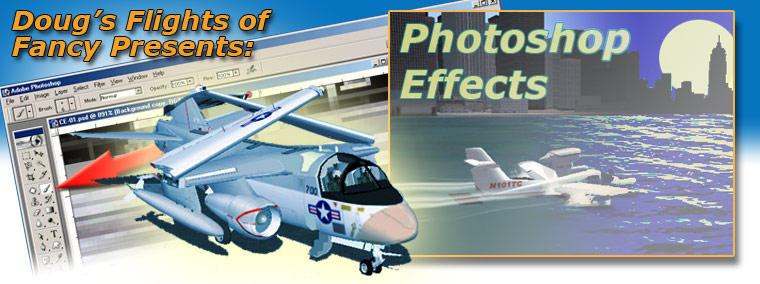
Here you will learn everything about Photoshop. Just kidding. You could live a very long time and still not know all there is to know with this program. Even my instructors were still learning things every day. I will, however, discuss the techniques I used to make all of the graphics in the website. Let me start by saying that there is more to it than just opening up Photoshop. For clarification lets set some goals for the finished product.
This is the general flow of the picture. It should be pleasing to the eye and lead your gaze towards a meaningful focal point.
: Lighting can be used to set the mood of your image. While some of this can be done in the simulator by setting the seasonal, weather, and time attributes, it can be further enhanced during the editing stage. Other aspects of creating appropriate lighting are the strength of shadows and highlights (contrast). By adjusting the levels and curves an image can be transformed. Using the selection tools you can choose to apply different corrections to select parts of the image.
During this process, you can eliminate blemishes or graphic elements of the image that don't fit into your plans. You may duplicate parts of the image such as colors and textures and place them anywhere you want. There are many tools provided as well as techniques for applying them.
You don't have to belong to an on-line flying club to have more than one aircraft in your shots. By combining more than one image this can be achieved. Some patience and planning are required here. This can be great fun. There is much in this catagory. I will touch upon some aspects.
Some people's eyes may glaze over with this subject but it is really important. I will make it short and sweet.
This goes hand in hand with the last subject. If you Are going to print, publish to a web page, place into an animation, or store on portable media there are various issues to deal with. I am designing primarily for the web, but I will touch upon other output. |
|